
Your first lead: send a bid
Read a job invite, send your price and timing, agree a date, do the work and get paid.
These guides show bidit in the Philippines, with prices in pesos and Philippine addresses. Guides for the United States are on the way.
In this video
- New job invite
- Read the job
- Send a bid
- Agree a date and sign
- Do the job
- Get paid
Read the transcript
When a customer invites you, you’ll get a notification, and the job appears in “Leads”. Read the job and look at the photos. You’ll see the city and the dates, but never the customer’s budget, so price it as you would any job. Tap “Send a bid”.
Enter your price, and how long the job will take. Need money for parts up front? You can ask for a materials deposit. Then write a short message.
Save it as a template to reuse it next time. Tap “Submit bid”. If the customer chooses you, you’ll agree a date, and you both sign the contract.
The customer pays before you start, and bidit holds the money. Do the job, add before and after photos, and mark the work complete. When the customer confirms, your payment is released. That’s it.
Welcome to bidit.
More bidit for pros videos
-
 Start here · 1 minStart here: bidit for providersCustomers invite you, you set your price, you're paid through escrow and keep 85% of every job.
-
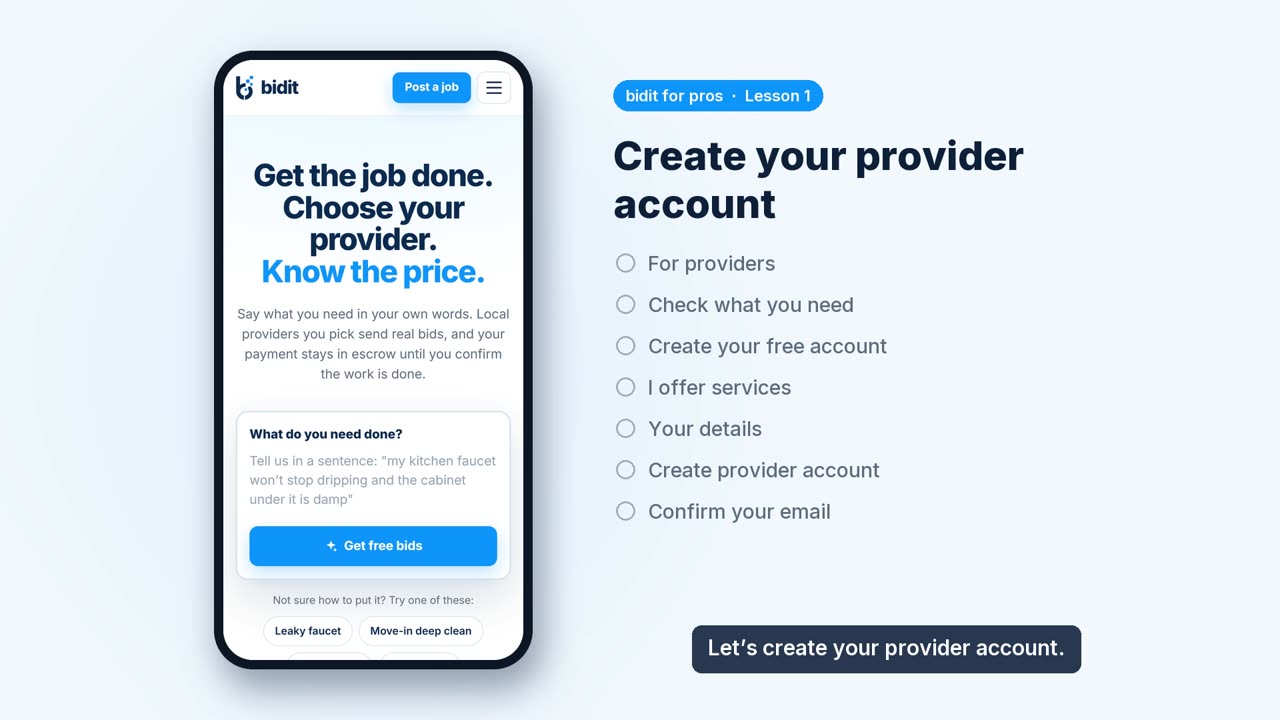 Lesson 1 · 1 minCreate your provider accountSign up as a provider, add your details and confirm your email with the 8-digit code.
-
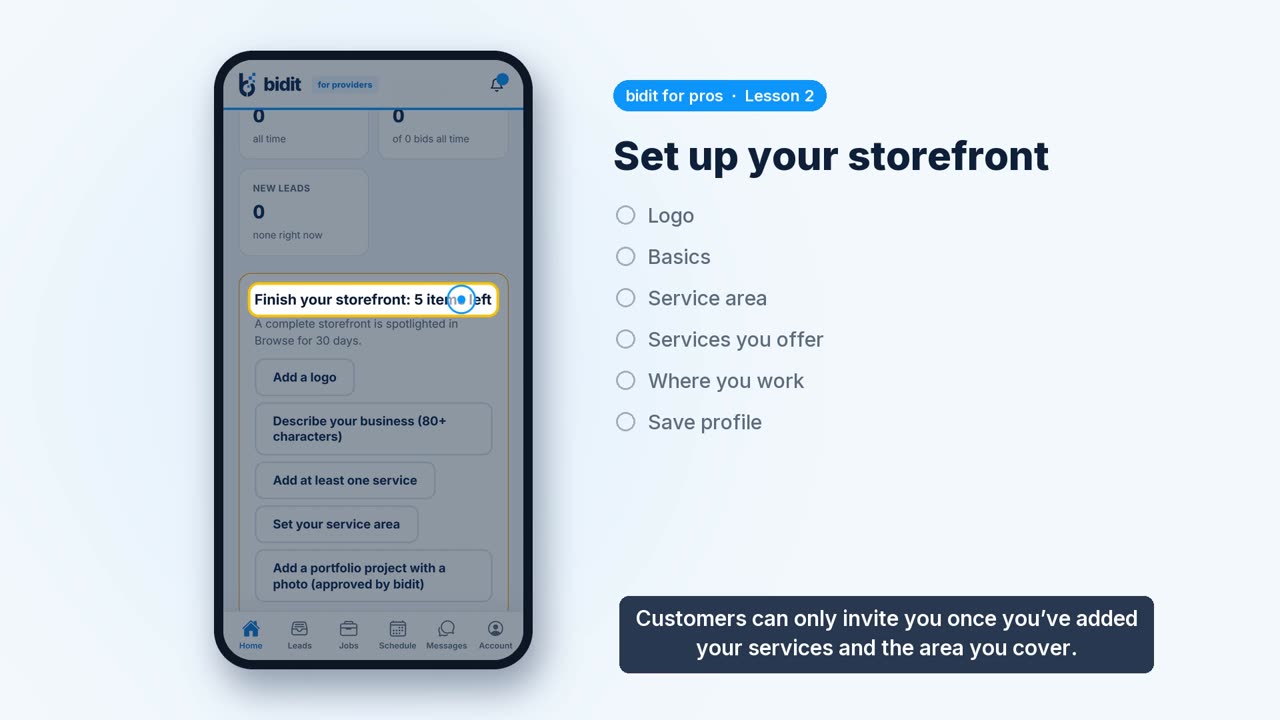 Lesson 2 · 1 minSet up your storefrontAdd your logo, a description, your service area and the services you offer, so customers can find and invite you.
-
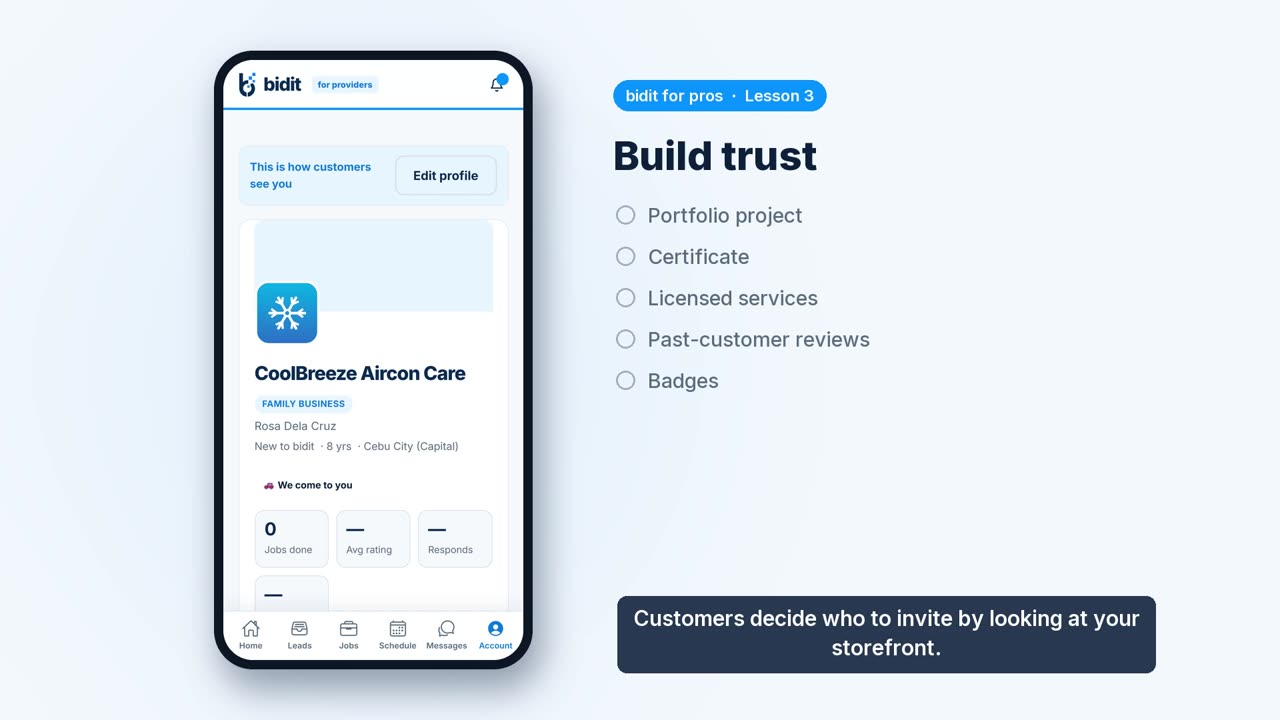 Lesson 3 · 1 minBuild trustAdd portfolio projects, certificates and reviews from past customers, and see how badges are earned.