
Set up your storefront
Add your logo, a description, your service area and the services you offer, so customers can find and invite you.
These guides show bidit in the Philippines, with prices in pesos and Philippine addresses. Guides for the United States are on the way.
In this video
- Logo
- Basics
- Service area
- Services you offer
- Where you work
- Save profile
Read the transcript
Customers can only invite you once you’ve added your services and the area you cover. Let’s set up your storefront. Tap “View and edit your public profile”, then “Edit profile”. Start with your logo, or a clear photo of yourself.
It appears on your storefront and on every bid. Under “Basics”, say what kind of business you are, how long you’ve been doing it, and what customers can expect. Write at least eighty characters. Next, your service area.
Your full address stays private.
Customers only see your city and how far you travel. Set how far you’ll go. Jobs outside that distance won’t reach you, and inside it every provider gets the same chance. Under “Services you offer”, choose a category, a subcategory and the service.
Add a starting price if you like, then tap “Add service”.
Services save straight away, so add each one you do. If customers come to your shop instead, tick “You come to us”. Then tap “Save profile”. Your checklist updates as you go.
Next, show customers your work.
More bidit for pros videos
-
 Start here · 1 minStart here: bidit for providersCustomers invite you, you set your price, you're paid through escrow and keep 85% of every job.
-
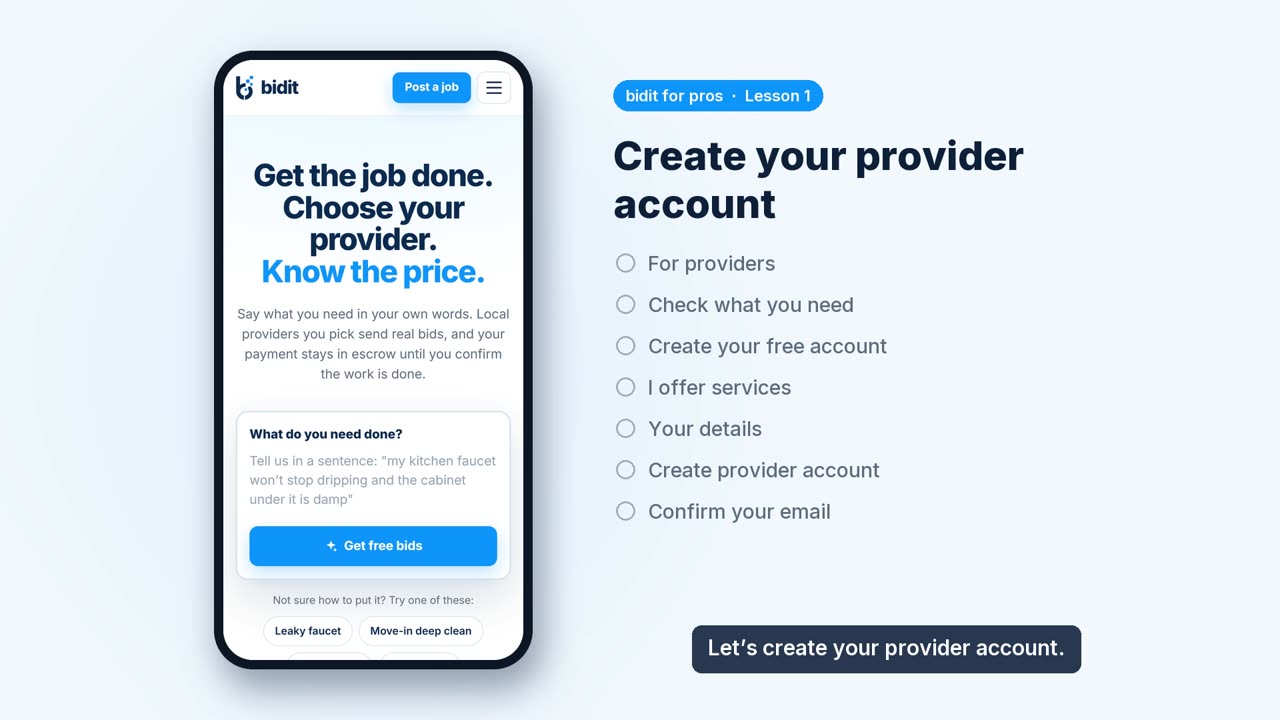 Lesson 1 · 1 minCreate your provider accountSign up as a provider, add your details and confirm your email with the 8-digit code.
-
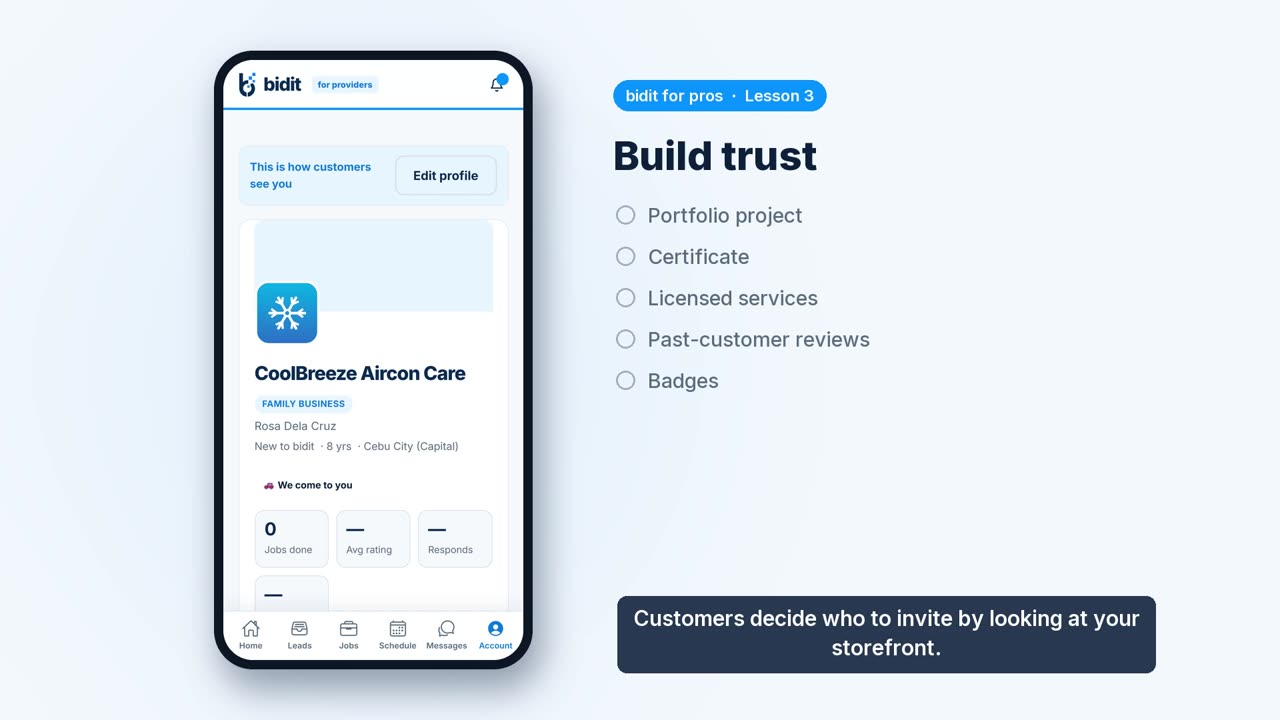 Lesson 3 · 1 minBuild trustAdd portfolio projects, certificates and reviews from past customers, and see how badges are earned.
-
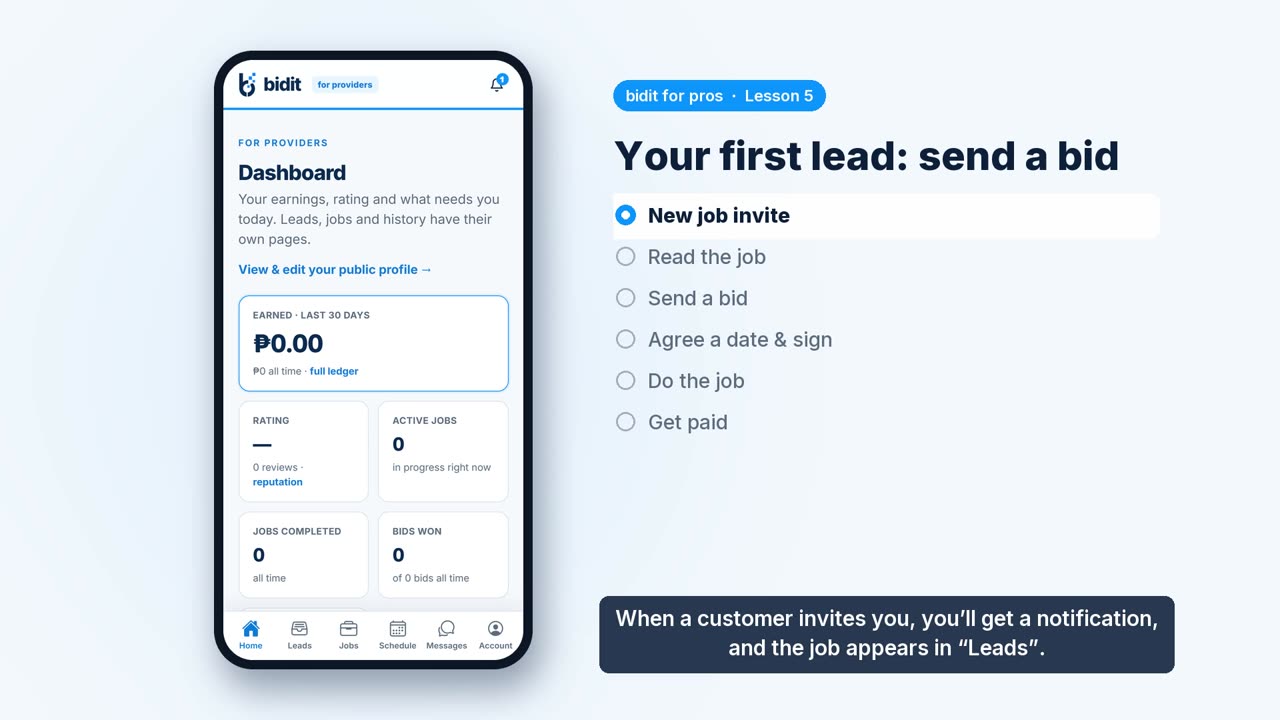 Lesson 5 · 1 minYour first lead: send a bidRead a job invite, send your price and timing, agree a date, do the work and get paid.