
Using bidit · Lesson 1 · 1 min
Create your account
Sign up to hire a pro and confirm your email with the 8-digit code.
These guides show bidit in the Philippines, with prices in pesos and Philippine addresses. Guides for the United States are on the way.
In this video
- Sign up
- I want to hire a pro
- Your details
- Confirm your email
Read the transcript
Let’s create your bidit account. Go to app.bidit.services and tap “Sign up”. Make sure “I want to hire a pro” is selected. Enter your first name, your email and a password, then tap “Create customer account”.
You can also continue with Google or Apple. bidit emails you an eight-digit code. Type it in and tap “Confirm account”. You’re in.
Let’s post your first job.
More Using bidit videos
-
 Start here · 1 minStart here: How bidit worksDescribe the job, invite up to three providers, compare real bids and pay into escrow that's released when you're happy.
-
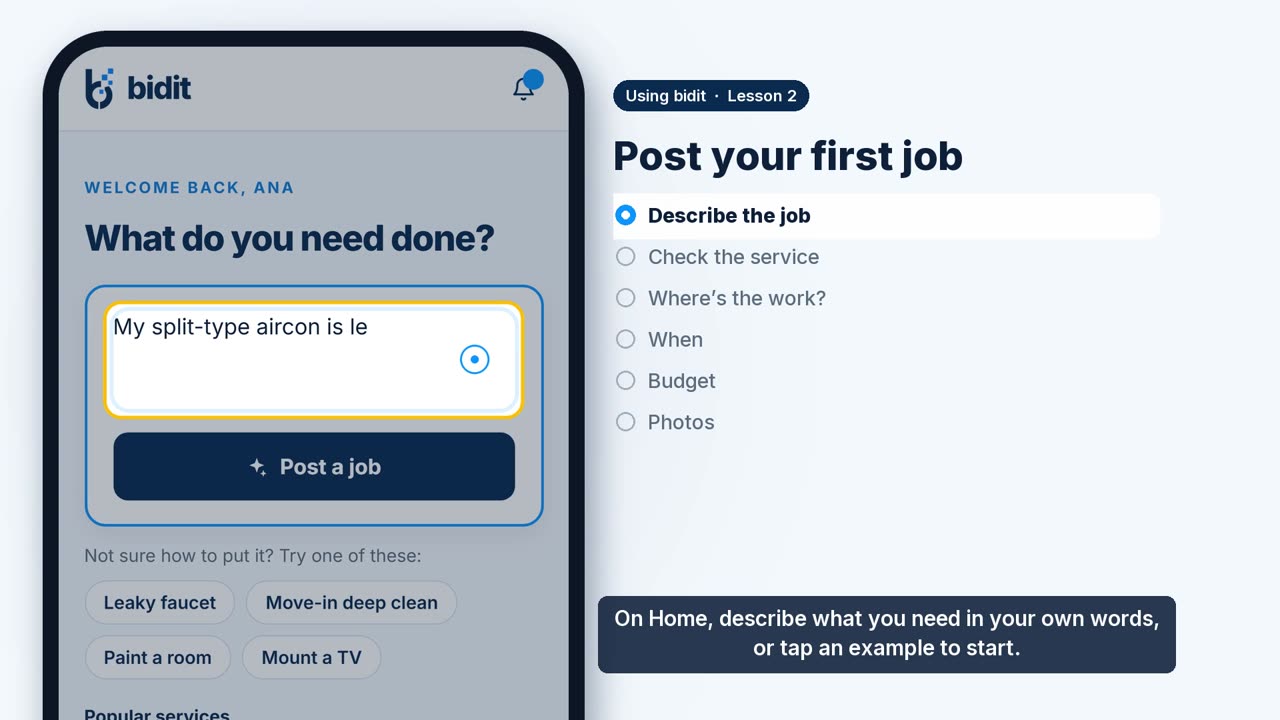 Lesson 2 · 1 minPost your first jobDescribe the job in your own words and bidit drafts the rest: the service, where, when, an optional private budget and photos.
-
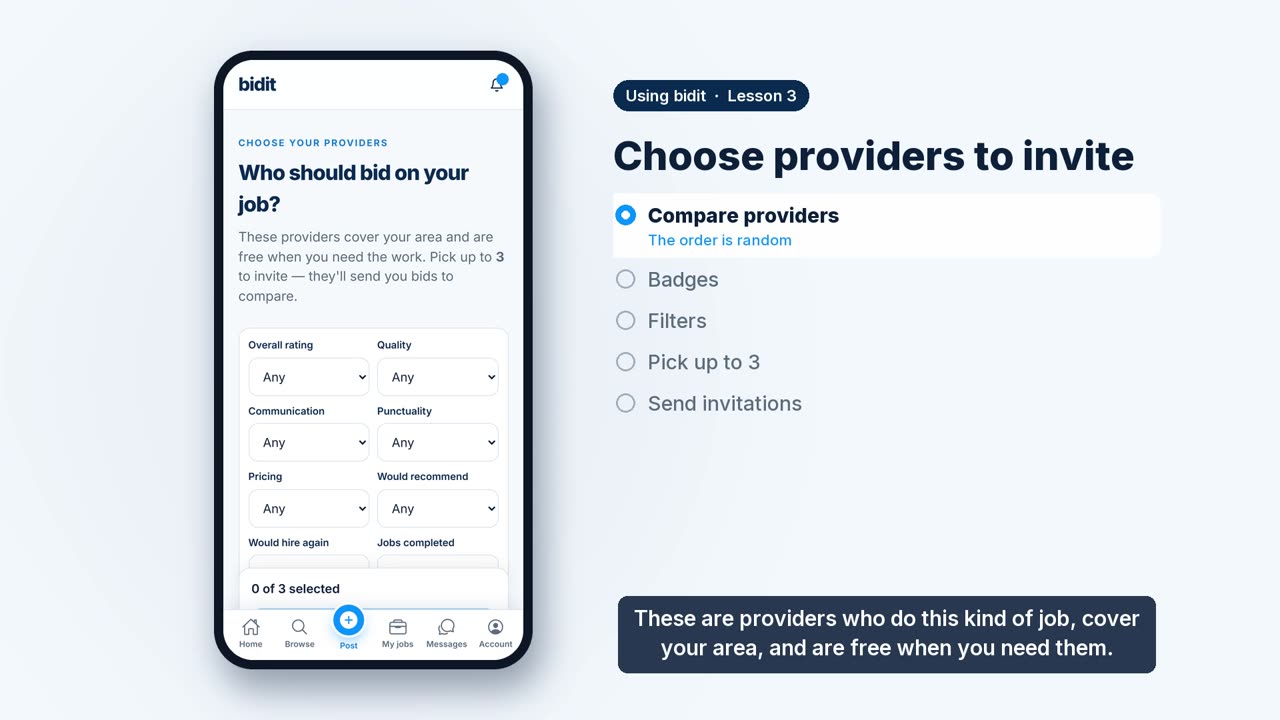 Lesson 3 · 1 minChoose providers to inviteCompare providers, learn what their badges mean, use the filters and invite up to three.
-
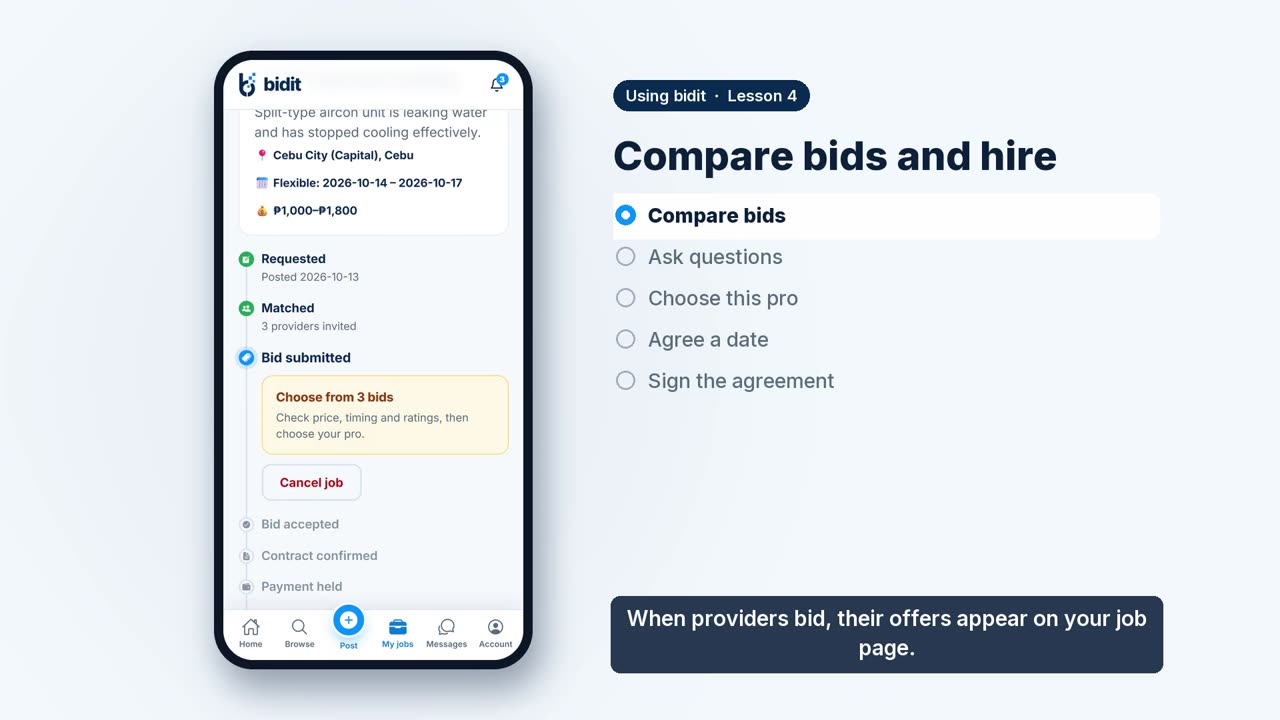 Lesson 4 · 1 minCompare bids and hireCompare bids, ask questions in the app, choose your pro, agree a date and sign the agreement.