
Using bidit · Lesson 3 · 1 min
Choose providers to invite
Compare providers, learn what their badges mean, use the filters and invite up to three.
These guides show bidit in the Philippines, with prices in pesos and Philippine addresses. Guides for the United States are on the way.
In this video
- Compare providers
- Badges
- Filters
- Pick up to 3
- Send invitations
Read the transcript
These are providers who do this kind of job, cover your area, and are free when you need them. The order is random, so look at each one: rating, jobs completed, badges and past work. Tap a badge to see what it means. Use the filters to narrow the list, for example to highly rated providers.
Pick up to three, then tap “Send invitations”.
Done. Your job page shows where things stand. Most bids arrive within a day or two, and we’ll email you when one lands.
More Using bidit videos
-
 Start here · 1 minStart here: How bidit worksDescribe the job, invite up to three providers, compare real bids and pay into escrow that's released when you're happy.
-
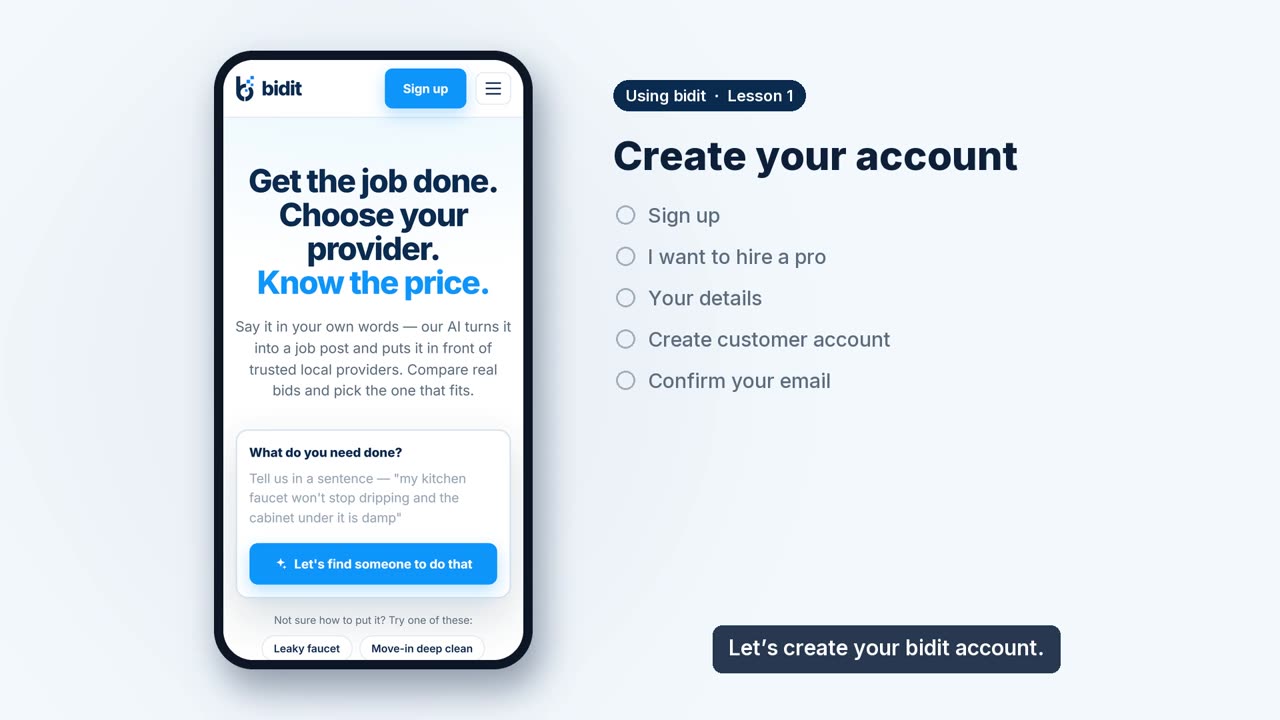 Lesson 1 · 1 minCreate your accountSign up to hire a pro and confirm your email with the 8-digit code.
-
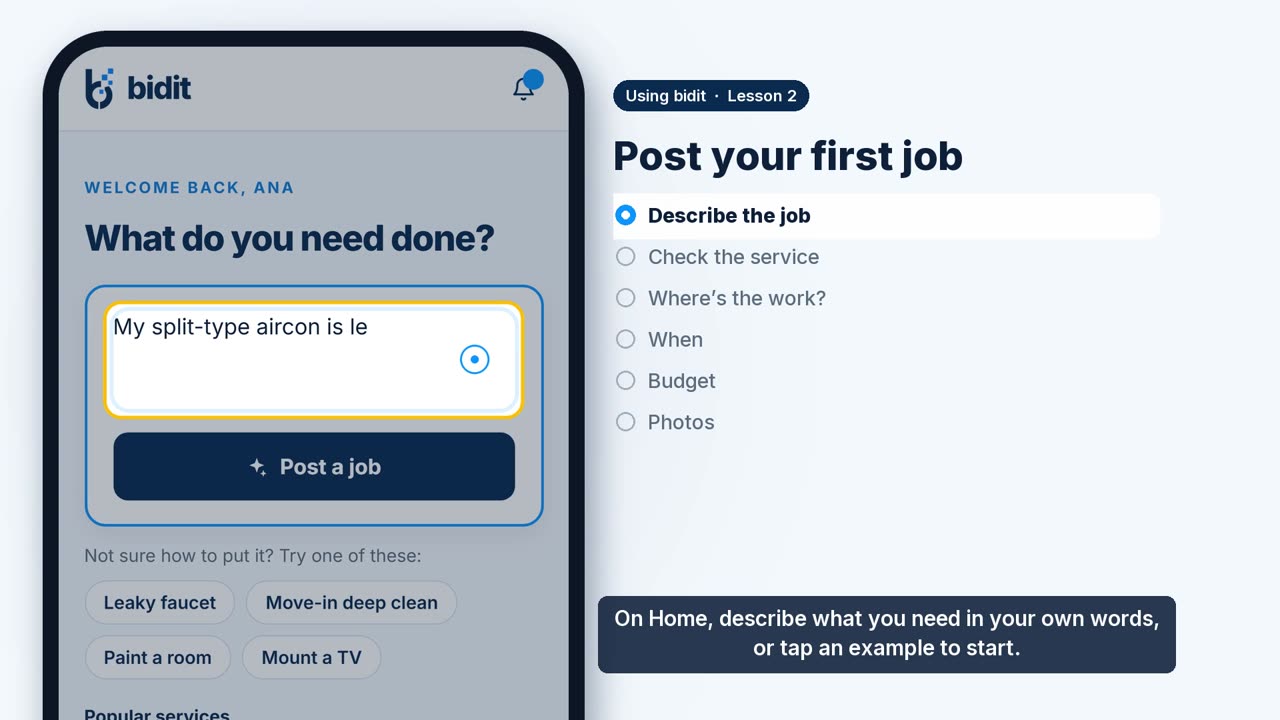 Lesson 2 · 1 minPost your first jobDescribe the job in your own words and bidit drafts the rest: the service, where, when, an optional private budget and photos.
-
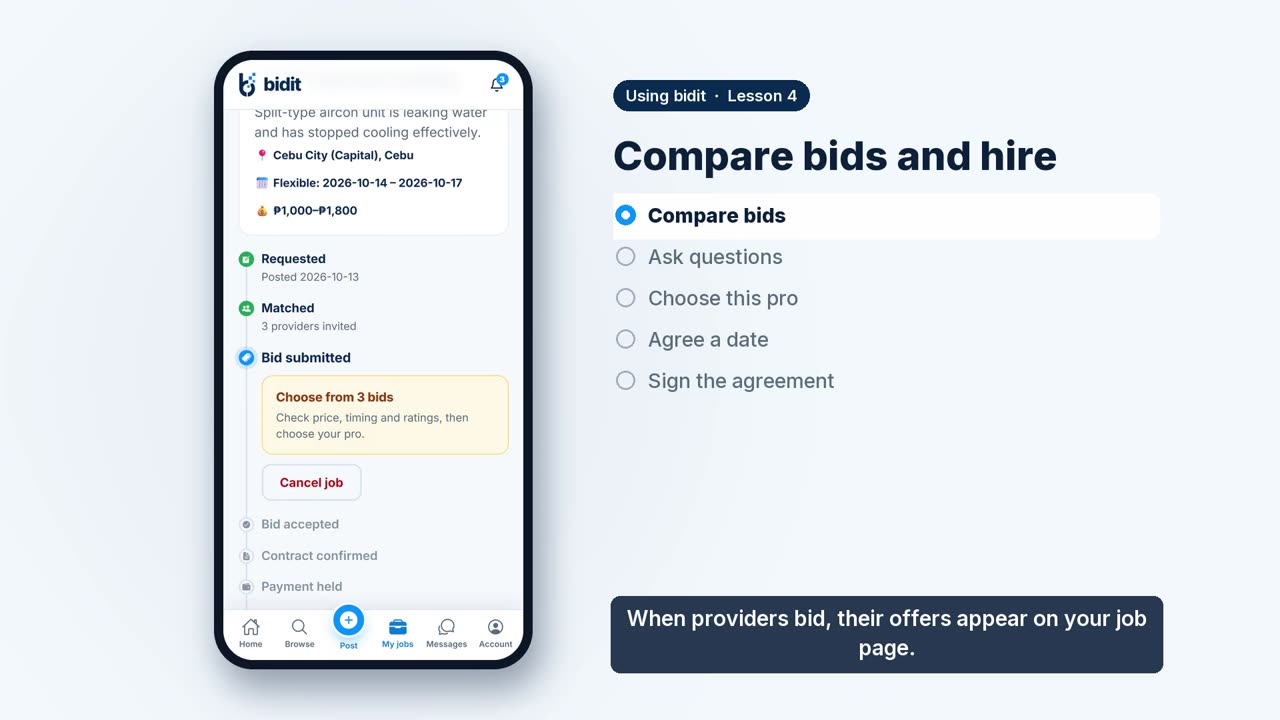 Lesson 4 · 1 minCompare bids and hireCompare bids, ask questions in the app, choose your pro, agree a date and sign the agreement.